Evaluation of Geo
All Geo functions are accessable for ZET Pro users during 30 evaluation sessions.
To switch on the evaluation session of Geo click the "Help" button on a Tools panel
and choose the "Evaluation of Geo" menu item.
Will appears a window:
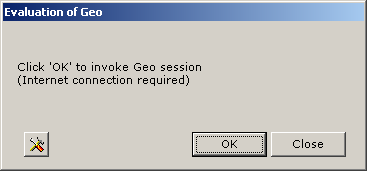
Click "OK" to switch on Geo session. When appears a message "Geo session established. Remains Geo sessions: ...", click "Close" button and then explore new appeared Geo functions.
The demo session switched off with ZET exit.